
If you are a designer who handles high-volume catalog work, your biggest bottleneck isn’t your creative eye—it’s your processing pipeline.
I remember a project for a major outdoor gear retailer last spring. They dropped 1,200 raw product shots on my desk on a Friday afternoon. They needed them all cleaned, transparent, and ready for a Sunday launch. A junior designer would have spent the entire weekend clicking around sleeping bags and tents. I spent 40 minutes setting up my batch, clicked “Run,” and went to the gym.
That is Batch Processing Mastery. In 2026, speed isn’t just about being fast; it’s about being systematically efficient.
Why “Human-Speed” is no longer competitive
In the modern freelance market, clients don’t pay for the time you spend; they pay for the value you deliver. If you are charging for hours spent on manual masking, you are losing money. By leveraging bulk image processing speed, you shift your business model from “Laborer” to “Architect.”
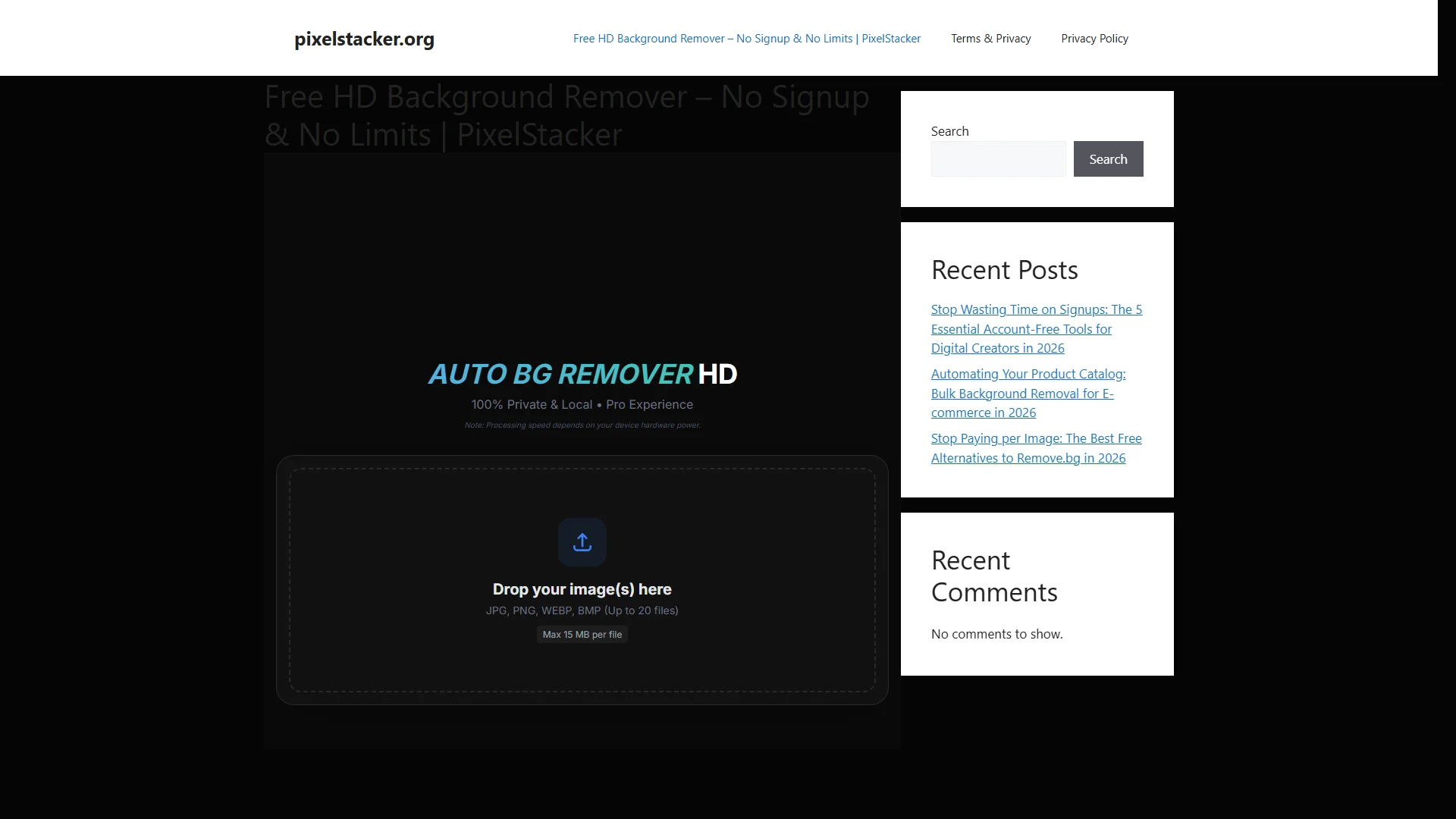
Legacy cloud tools often throttle your batch size to 5 or 10 images to save on their server costs. A professional Bulk Background Remover like PixelStacker allows you to drop 20+ files directly into your browser’s local sandbox.
The Technical Edge: Local Multithreading vs. Cloud Queues
When you upload to a cloud service, you are waiting in a queue with thousands of other users. When you process locally via WASM, you are using your own CPU’s multithreading capabilities. Modern AI models, like the ones used in PixelStacker, are optimized to run parallel inference.
Efficiency Benchmarks: Cloud vs. Local
| Task Size | Cloud-Based Service (Latency + Queue) | PixelStacker (Local WASM) |
| :— | :— | :— |
| 1 Image | ~15-30 seconds | ~3-5 seconds |
| 20 Images | ~5-10 minutes | ~60-90 seconds |
| 100 Images | ~45+ minutes | ~8-10 minutes |
| Cost | Subscription or Credits | $0.00 |
Pro Workflow: The “Batch & Audit” Strategy
My daily routine for catalog work is a 3-step loop:
1. The Ingest: I drop 20 images at a time. I don’t wait for one to finish before dropping the next.
2. The Visual Audit: I scan the browser previews for complex edges (hair, mesh, transparent plastics).
3. The WebP Export: I save directly to WebP to keep the shopify store’s LCP (Largest Contentful Paint) under 1.2 seconds.
Alex Carter’s Verdict
Scale your agency by automating the mundane. If you aren’t using bulk image processing speed to your advantage, you are effectively working for minimum wage. Use tools that respect your time and your hardware.
You might also like:
- Why WASM is the backbone of agency productivity in 2026.
- My guide to securing high-volume client assets locally.